How to Install Stable Node JS on Ubuntu To install the stable version of Node.js on Ubuntu, you can follow these steps: 1. Update the package lists for upgrades and new package installations: sudo apt update 2. Install the required dependencies for Node.js using...
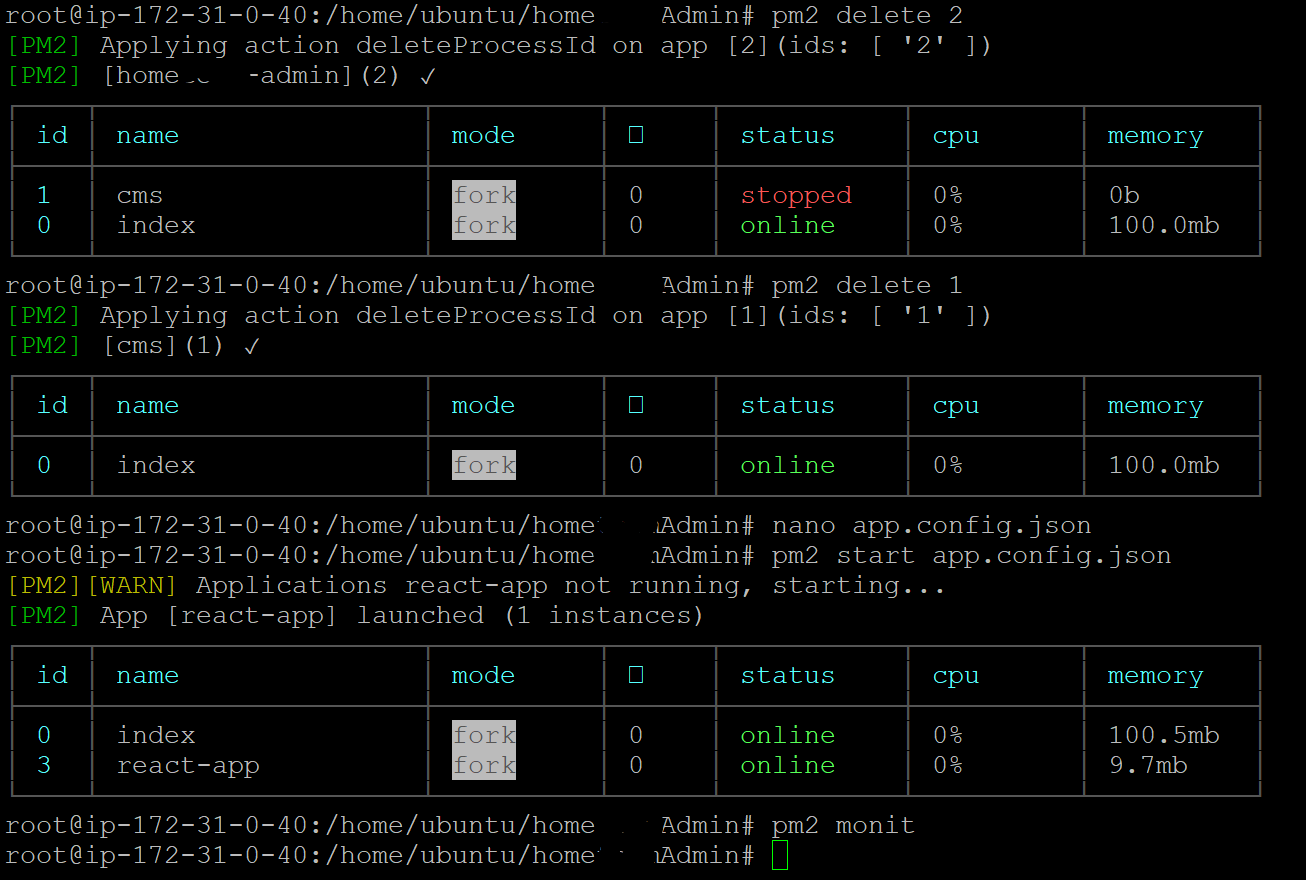
Install the PM2 tool it helps to run the react.js app in the background. npm install pm2 -g Create a new file with the name app.config.json below the build folder and add the following snippet. { apps : [ { name : "react-app", script...
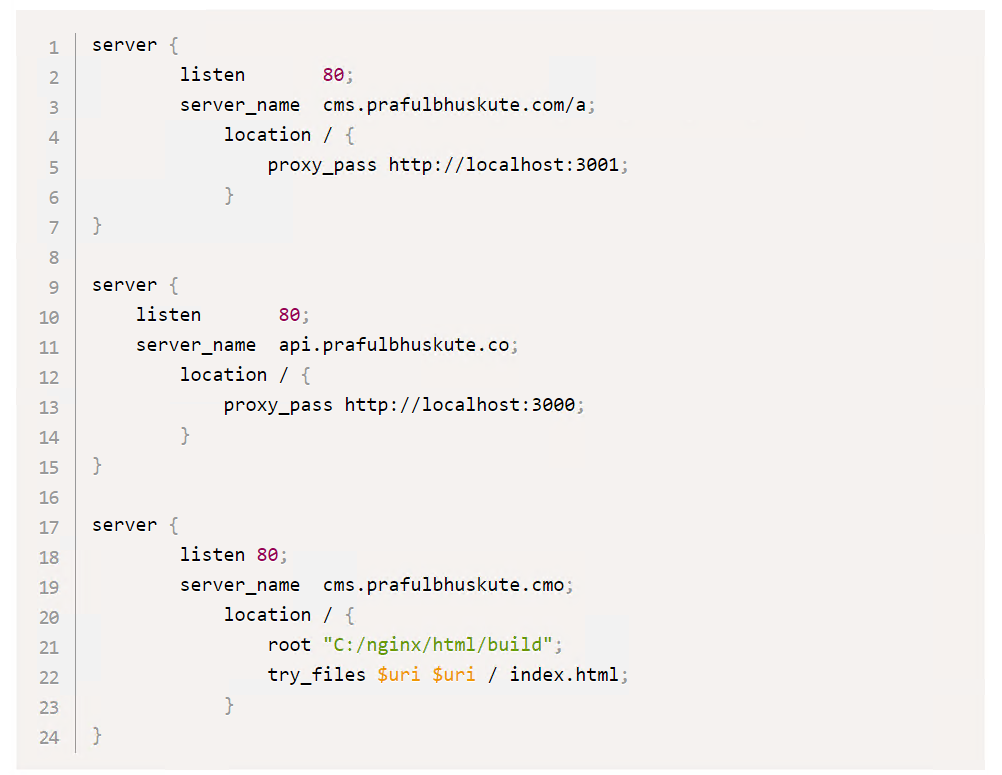
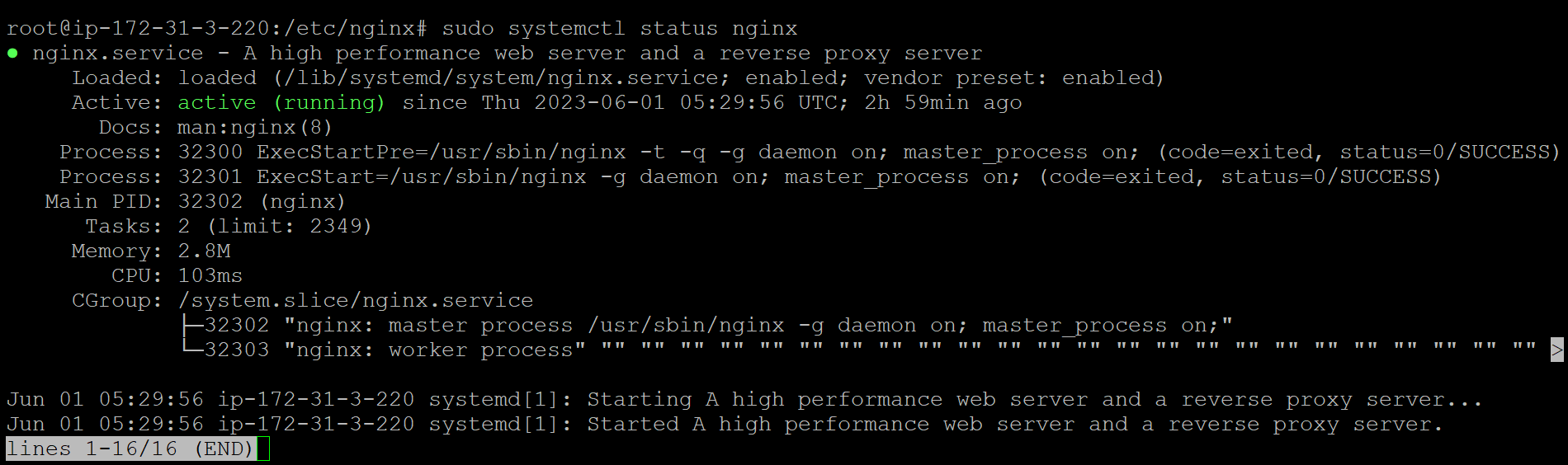
How to Install Nginx on Ubuntu To install Nginx on Ubuntu, you can follow these steps: Step 1: Update your package lists by running the following command: sudo apt update Step 2: Once the package lists are updated, you can install Nginx by running...
Install the PM2 tool it helps to run the react.js app in the background. npm install pm2 -g Create a new file with the name app.config.json below the build folder and add the following snippet. nano app.config.json { apps : [ { name :...
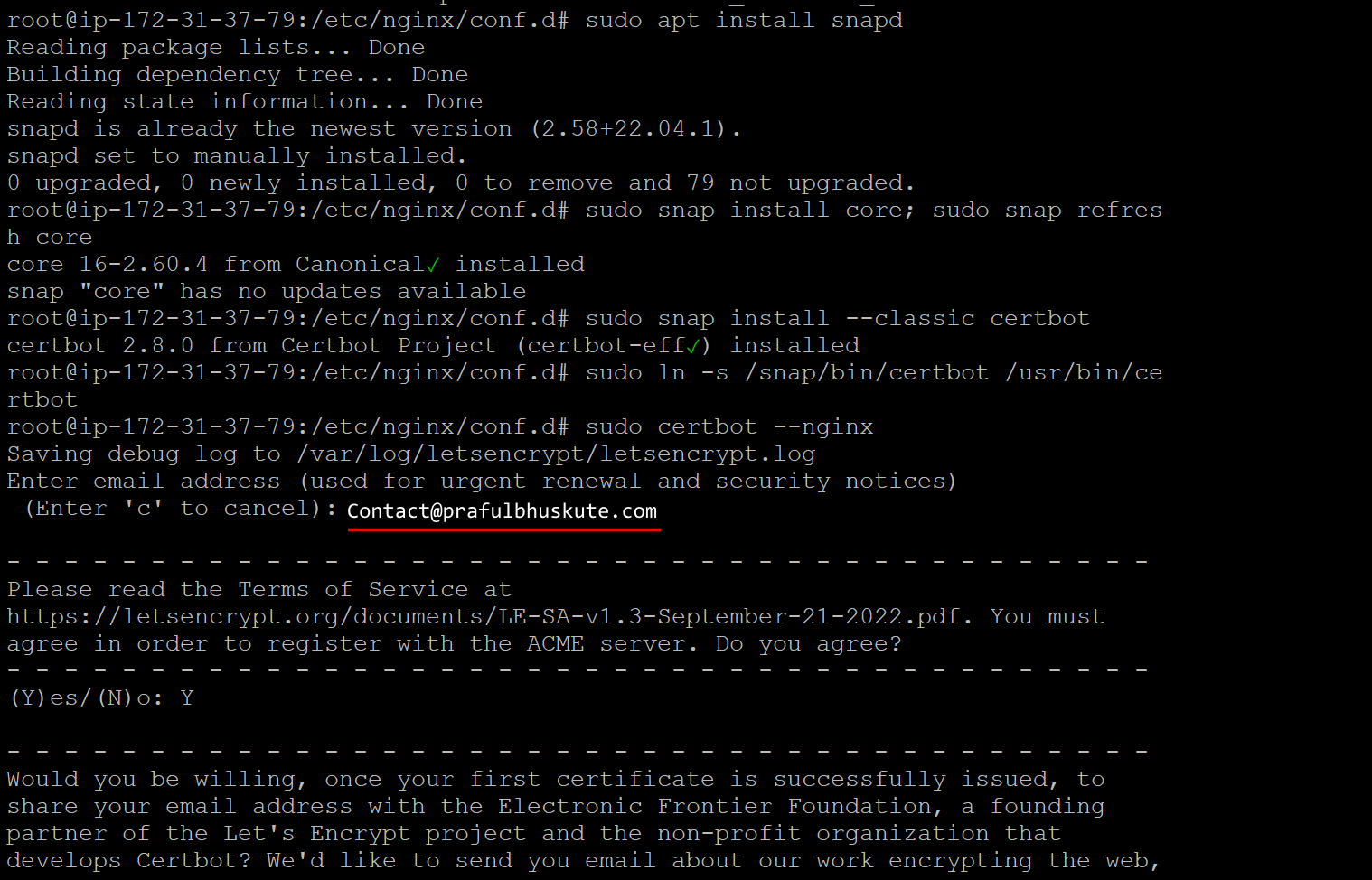
How to Install Let’s Encrypt Free SSL (Certbot) on Ubuntu with Automatically Renew Let’s Encrypt offers complimentary SSL certificates for securing your websites with encrypted connections. Certbot, an open-source tool, enables the straightforward generation of Let’s Encrypt SSL certificates on your self-managed Linux server at...
For Amazon Linux 2023, the recommended way to run and manage a Node.js app in production is using systemd — the native process manager and service controller built into modern Linux distributions (including Amazon Linux 2023). Why systemd? ✅ Preinstalled and supported on Amazon Linux...
Wedding egestas, ante et vulputate volutpat, eros pede semper est, vitae luctus metus libero eu augue. Morbi purus libero, faucibus adipiscing, commodo quis, gravida id, est. Sed lectus. Praesent elementum hendrerit tortor. Sed semper lorem at felis.